How to Plan Your First Commercial Robot Deployment: A Checklist
A practical checklist for planning a first robot deployment, from choosing the problem and surveying the site to running a pilot, onboarding staff and asking vendors the right questions.
The most reliable way to plan a first commercial robot deployment is to start with one specific problem, survey the site against that problem, run a time-boxed pilot with the people who will work alongside the robot, and confirm support and spare parts before scaling. The checklist below walks through each step for cleaning and delivery robots in offices, hotels, hospitals, restaurants, warehouses and other buildings in Toronto and across Canada.
Step 1: Define the problem and the result
Begin with the task, not the product. A clear problem statement makes every later decision easier.
- Which task is repetitive, time-consuming or hard to staff? Examples: nightly scrubbing of a large lobby, vacuuming carpeted corridors, carrying dishes from the kitchen, or moving supplies between floors.
- Where exactly does it happen, and when?
- What would success look like? Choose something observable, such as consistent coverage of a mapped area every night, fewer manual kitchen-to-table trips, or on-time delivery of supplies to specific floors.
- Who currently does the work, and what would they do with the time freed up?
Step 2: Survey the site
A site survey checks whether the building suits the task and which robot category fits. Cover these points:
Floors and layout
- Floor types: tile, concrete, epoxy, vinyl, stone, low-pile or high-pile carpet. Some robots handle both hard floors and carpet; others specialise.
- Square footage and the share that is open versus cluttered.
- Path widths, thresholds, ramps and slopes along the route.
- Furniture, displays or equipment that move often.
Vertical movement
- Does the robot need to change floors? If so, which elevator brand and model, and is the building owner or elevator provider open to integration?
- Are there access-controlled doors or gates on the route?
Connectivity
- Wi-Fi coverage along the route, or whether a cellular (4G) option is needed.
- IT and security requirements for connecting devices to the network.
Docking, charging and water
- Where the robot will charge, and whether a power outlet is available there.
- For scrubbers, whether a station with water supply and drainage is possible, or whether staff will fill and empty tanks.
- For sweepers, where debris will be emptied.
Step 3: Match the robot category to the task
| Task | Robot category | Examples |
|---|---|---|
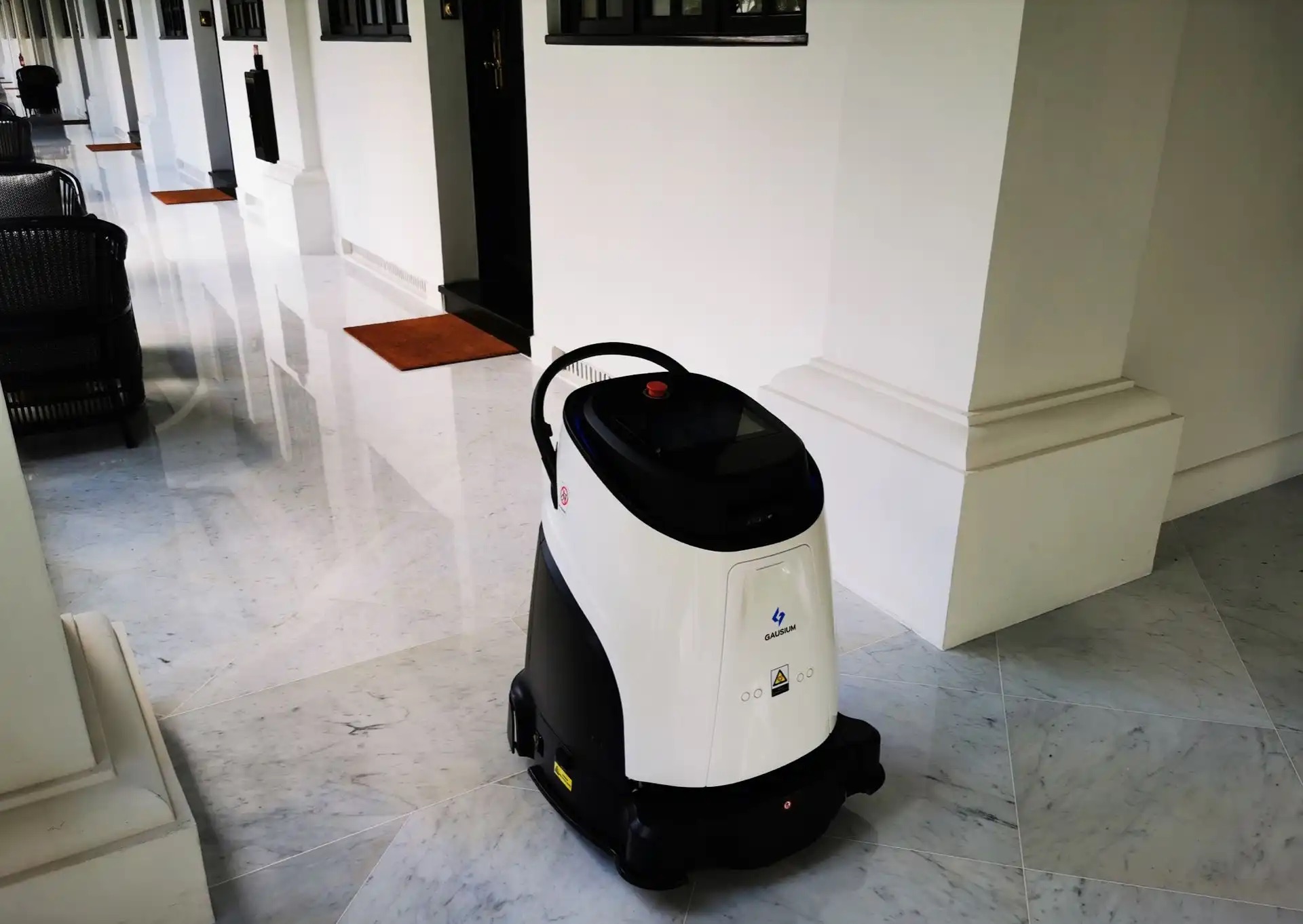
| Mixed hard floor and carpet in offices, schools, retail | Compact multi-function cleaner | Gausium Phantas, PUDU CC1 Pro |
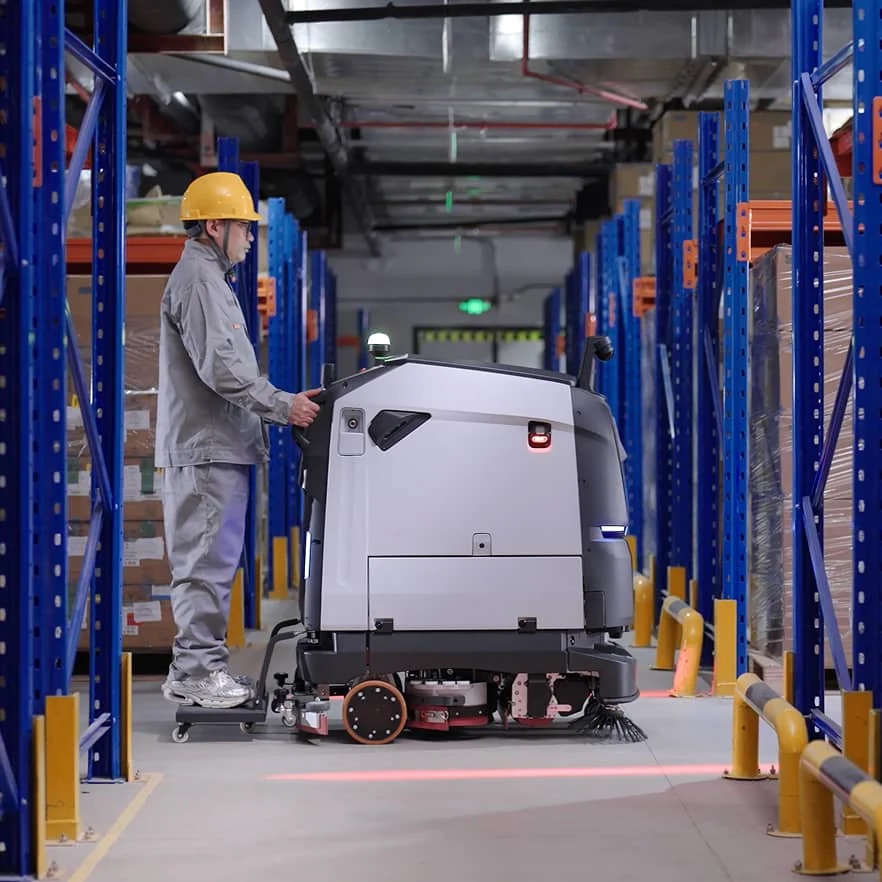
| Large hard-floor areas in warehouses, malls, transit | Large scrubber-dryer | Gausium Scrubber 75, PUDU BG1 Series, Gausium Marvel |
| Carpeted corridors and lobbies | Robotic vacuum | Gausium Vacuum 40, PUDU MT1 Vac |
| Restaurant food running and bussing | Tray delivery robot | PUDU BellaBot, KettyBot Pro |
| Multi-floor delivery in hotels, hospitals, offices | Enclosed delivery robot | PUDU FlashBot Max |
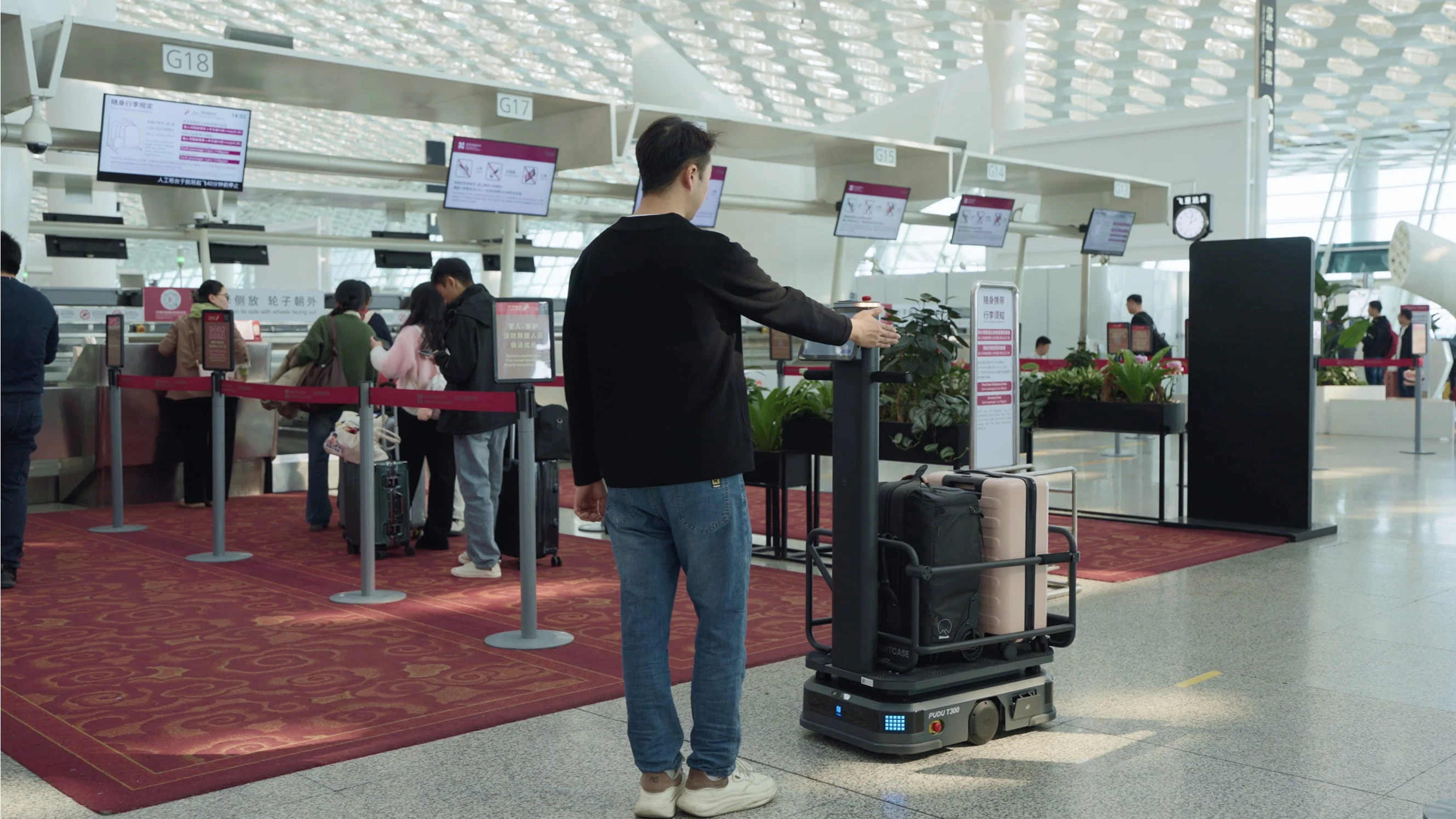
| Material transport in factories | Industrial delivery robot | PUDU T300 |
Check each product page's specifications against the survey: cleaning width, tank size, run-time, path clearance and load capacity.
Step 4: Design the pilot
- Pick one site and one area or route.
- Set a fixed pilot period long enough to cover normal weekly variation.
- Agree on what will be reviewed at the end: robot reports (area cleaned, task completion, deliveries), staff feedback and any issues logged.
- Name an owner on site who checks the robot daily and reports problems.
- Decide in advance what result would justify expanding.
Step 5: Onboard the staff
The people who work alongside a robot determine whether it succeeds. Plan for:
- A clear explanation of why the robot is being introduced and how roles will change, with emphasis on the work staff will now have time for.
- Hands-on training: starting tasks, emptying and refilling, changing consumables, clearing simple errors and calling support.
- Simple routines, such as clearing the robot's route before a scheduled run.
- A way for staff to give feedback during the pilot.
Step 6: Confirm support, maintenance and spare parts
Support is often what separates a successful program from a robot left in a storage room. Before committing, confirm:
- Response times for remote help and on-site visits.
- Where technicians are based relative to the site.
- Availability of consumables and spare parts in Canada.
- Who handles software updates, re-mapping after layout changes and integration fixes.
As a reference point, SPARC Technologies, the official Gausium and Pudu distributor in Canada, provides 24-hour online assistance, a guaranteed 48-hour on-site response, an in-house engineering team and genuine spare parts, with local teams in the Greater Toronto Area, Montreal, Ottawa, St. John's, British Columbia, Calgary, Edmonton, Saskatoon and Regina.
Step 7: Scale from pilot to portfolio
- Document the routine that worked: schedules, routes, staff responsibilities and maintenance tasks.
- Expand to similar areas or sites first, where the same setup applies.
- Use robot reports to compare sites and spot where schedules or routes need adjusting.
- Consider a fleet view if several robots or brands are involved.
Common mistakes to avoid
- Choosing the robot before the task. A popular model may not suit the site's floors, routes or connectivity.
- Skipping the site survey. Thresholds, narrow paths, missing outlets or weak Wi-Fi are easier to solve before installation than after.
- Leaving staff out. If the people working alongside the robot do not know how to start tasks, empty tanks or call support, the robot will sit unused.
- No clear owner on site. Someone needs to check the robot daily and report issues during the pilot.
- Ignoring consumables. Brushes, pads, squeegee blades and filters wear out; plan who orders and replaces them.
- Scaling too early. Expanding before the first routine is stable multiplies small problems across several sites.
Which questions should you ask any robotics vendor?
- Which robot do you recommend for this task and site, and why?
- Will you survey the site before quoting?
- What does deployment include: mapping, integration, training?
- Can the robot use our elevators and gates, and who manages that integration?
- What are your remote and on-site response times, and where are your technicians?
- Which spare parts and consumables do you stock in Canada?
- What reports does the robot provide, and how are they accessed?
- What happens if our layout changes or the robot needs re-mapping?
Next steps
Browse cleaning robots and delivery robots, read how robots ride elevators and pass gates, or contact SPARC to arrange a site survey. For planning across several sites, the SPARC consulting team can help structure the program.